The RAVE emergency alert system is a service provided to all students, faculty, and staff.
You should keep your contact information updated. If your phone number changes, please update it in Workday to ensure you receive campus alert notifications.
This service is free from UA Little Rock, but SMS/text messaging charges from your wireless service provider may apply. Contact your provider for details.
RAVE Notifications
Instructions for updating your contact information to receive RAVE emergency alerts:
Employees and Students
- Sign in to Workday.
- Search for “Change My Home Contact Information.” Verify, add, or update your personal phone numbers and specify the phone type.
- Save your changes.
Employees
If you are logged in to Workday as an employee, follow these additional steps:
Search for “Change My Work Contact Information.” Verify, add, or update your work phone number and address. Save your changes.
Search for “Change My Work Space.” Verify, add, or update your campus location, including your building and office or room. Save your changes. Verifying your work space ensures you will receive timely emergency communication in the event your work location is affected.
Trojan Safety App
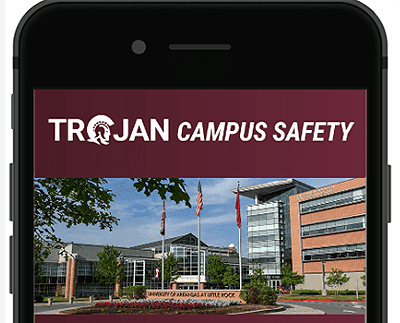
The campus recently introduced the Trojan Campus Safety App from Rave Mobile Safety. The app is designed to provide quick access to essential safety resources, emergency alerts, and a range of safety features to ensure that you have the information you need to stay safe and informed while on campus.
Your safety is our top priority, and we encourage all members of our campus community to download and install the Trojan Campus Safety App to take advantage of its features and benefits.
Key Features of the Campus Trojan Safety App
- Emergency Alerts: Receive timely notifications about campus emergencies, weather-related issues, or other critical information.
- Safety Resources: Access important safety guidelines, contact information, and resources right at your fingertips.Report Incidents: Report incidents or safety concerns directly through the app to our campus security team.
- Campus Maps: Easily navigate our campus using the app’s interactive maps, helping you find your way more efficiently.
- Friend Walk: Request a friend to virtually walk with you, ensuring you feel safer when moving around campus.